
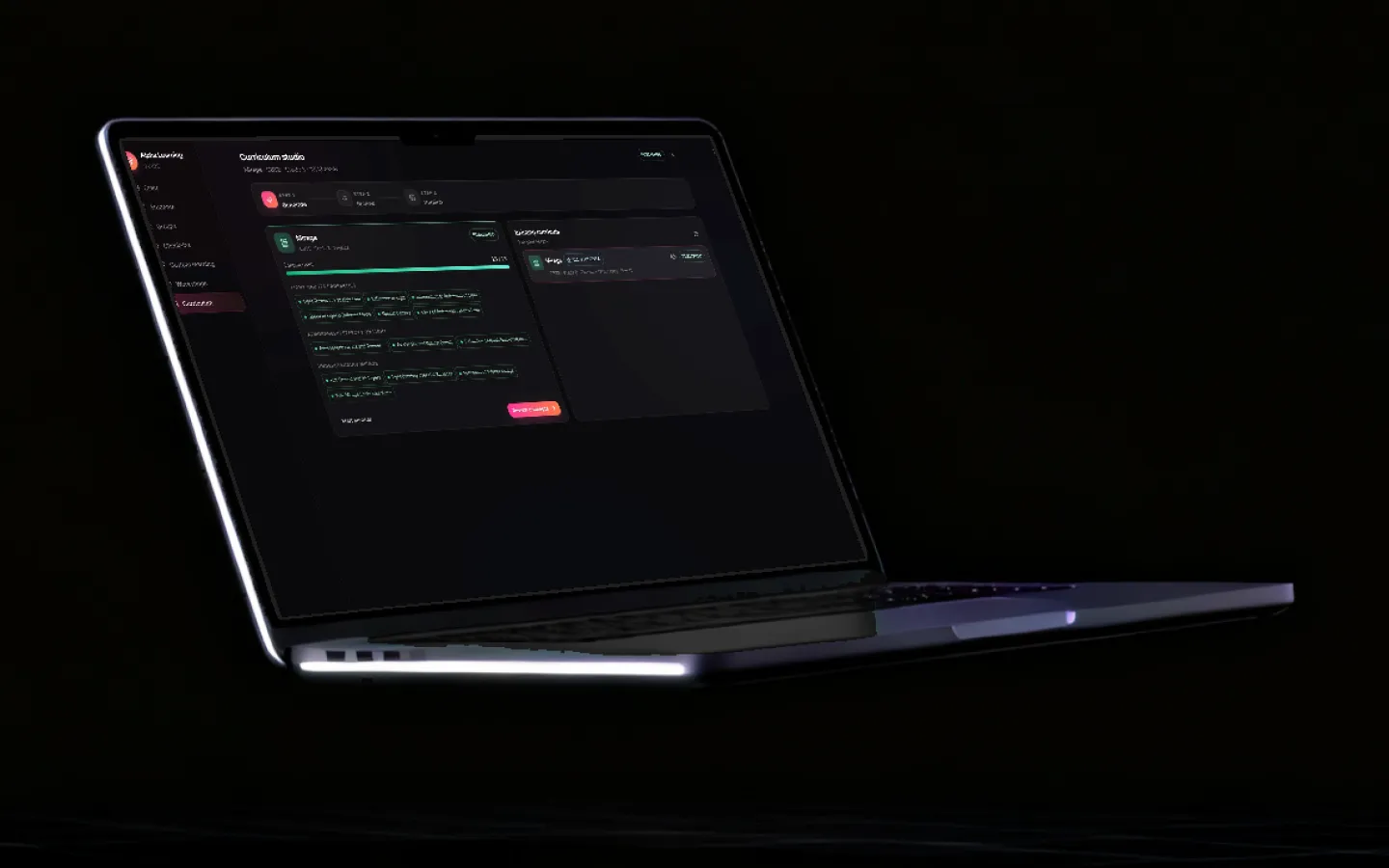
How teachers use Grout your books in, your material out, your class in view.
Grout runs 200+ AI models on the computers your institution already owns. You load the textbook your class actually uses, and from then on lesson plans, slides, worksheets, lab practicals and exams come from that book, on your schedule, with every student's progress on one screen. Here is a term.
Updated
A term, set up once
The setup takes an afternoon at the start of term. The rest of the term is requests against material that is already indexed.
- 01Start of term
Load your sources
Add the prescribed textbook, your own notebooks and the board or university syllabus to AI-Memory in GroutApp. Add PDFs, or photograph the pages of a physical book and let the OCR read them. Split each book into chapters so a request can target chapter four, not the whole volume. Indexing happens on the machine; a prescribed textbook never leaves the building.
- 02Once per subject
Set the practicals
GroutCode ships 1,322 lab practicals for 32 syllabuses, semester by semester, each step compiler-checked. Pick yours, or customise practicals to your own course outline, from KTU, VTU, CBSE and ICSE to Oxford, Cambridge and the Sorbonne, or something only your department teaches.
- 03Every week
Generate the week's material
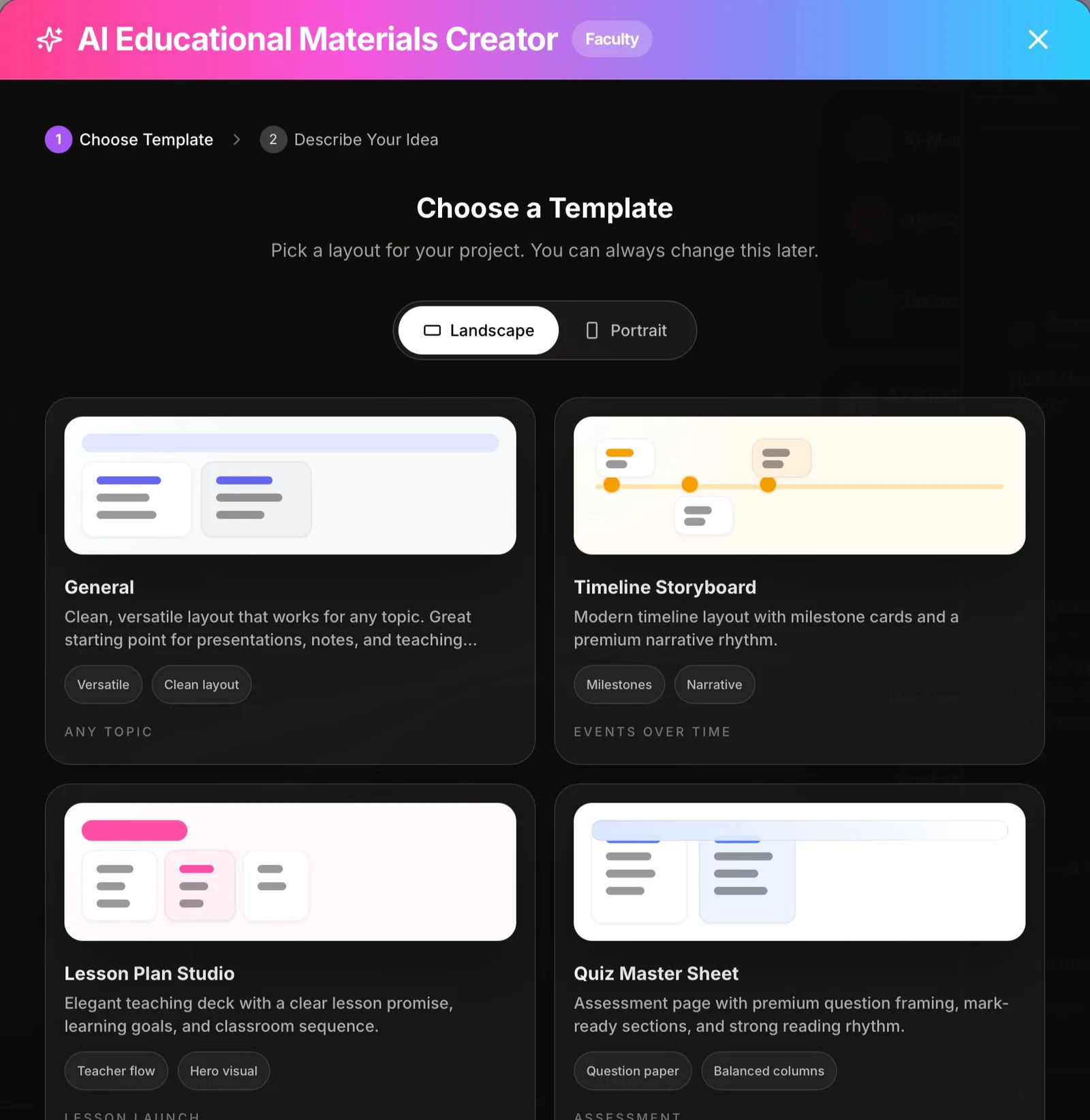
Point Grout at the chapter you are teaching and ask for the lesson plan, the notes, the slides and the worksheet. Ask for the worksheet at three levels so the same chapter reaches the whole room. Turn a tricky concept into a short animated explainer and play it in class instead of reading the chapter aloud.
- 04Through the term
Run the class
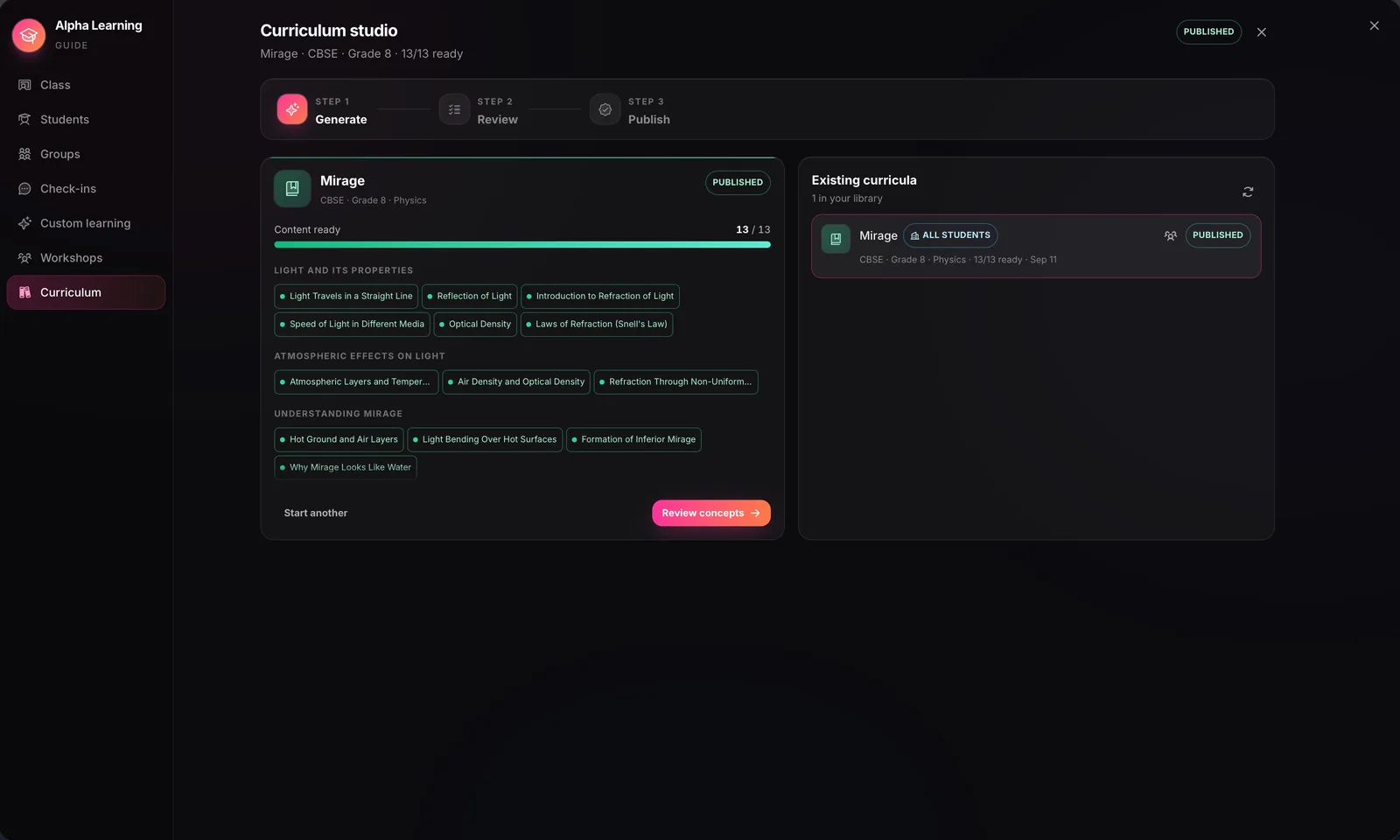
Alpha Learning gives every student a mastery view topic by topic and gives you the whole cohort on one grid: who is green, who is still amber, and where to go next. AI Teacher takes the one-to-one explaining you cannot give 200 students at once. Classroom collaboration shares material to the room over local Wi-Fi.
- 05Exam week
Examine and mark
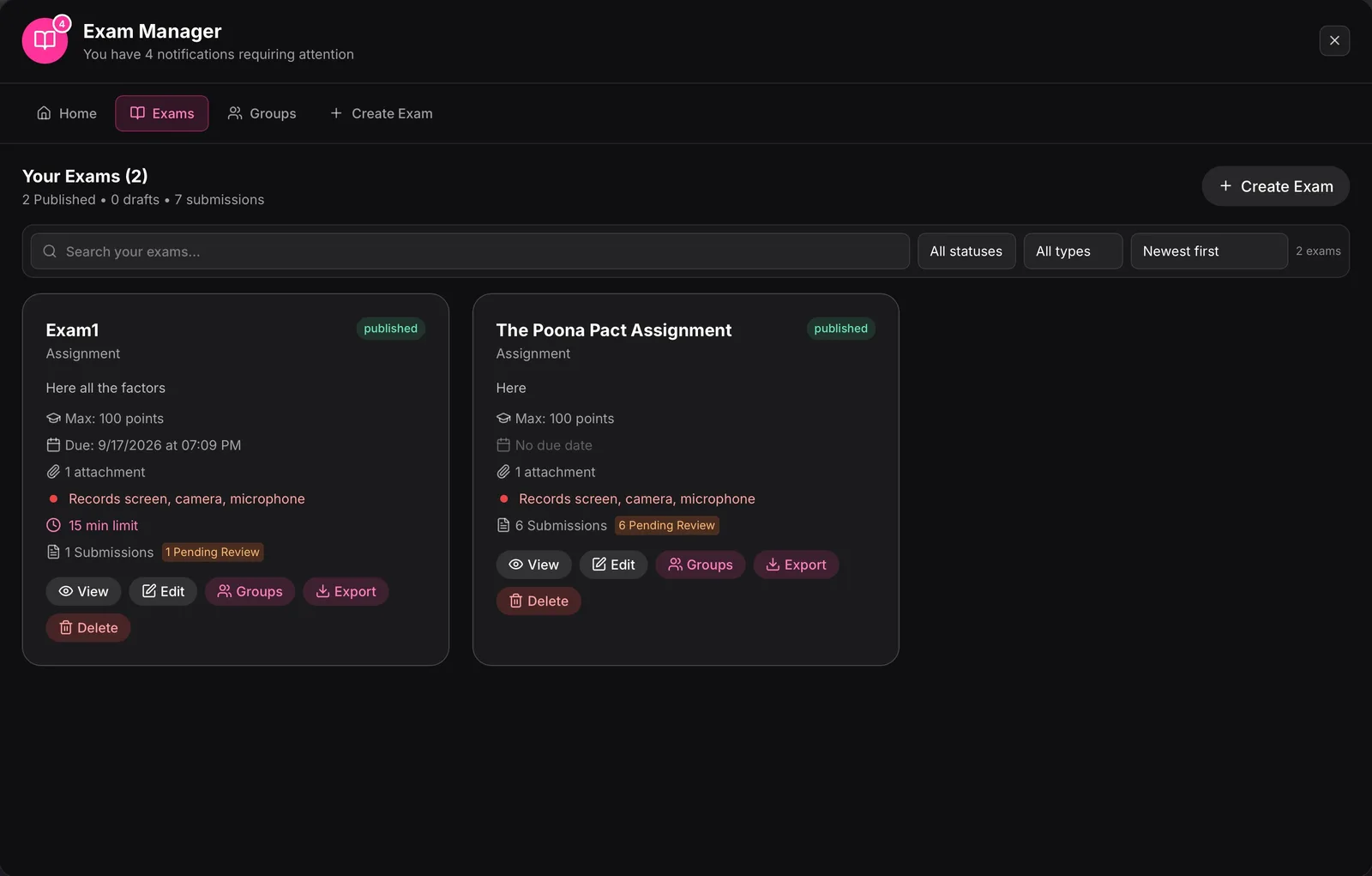
On institution plans, exams run inside the apps; submissions and any proctoring you enable go to your institution's portal. Paper still works: scan handwritten scripts and the on-device vision models mark them against your own answer key, draft feedback per answer for you to edit, and surface the questions the whole class got wrong.
The screens you will use most
Real app screens as shipped. Student names are changed.
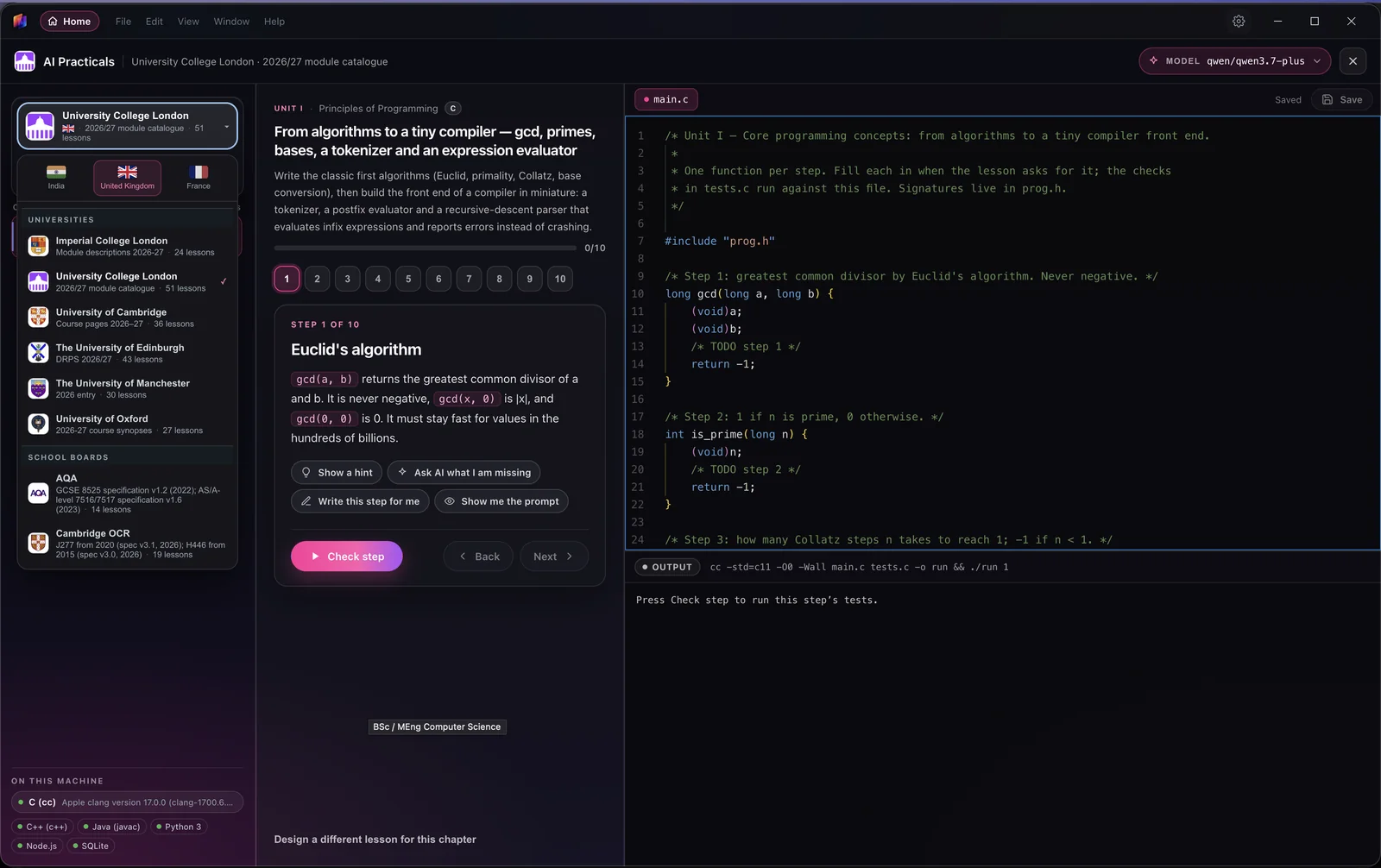
What stays on the machine, and what does not
Grout is installed on the institution's own computers and on staff and student laptops; it is licensed per machine and signed into with a Grout account. The 200+ local models do the work: reading your textbook, writing material from it, marking scripts, checking code and editing video all run where the data already is. Nothing is uploaded to a cloud model, and there is no per-prompt bill.
Two features use the network. AI Teacher's live lessons run on Google Gemini Live; each account has 30 free minutes, after which lesson time is bought in the app or the institution supplies its own Google key. Nexus AI, an opt-in module, offers 300+ cloud models for the occasional heavy task and consumes Merits. Exam submissions and any proctoring recordings go to your institution's portal, not to a third party.
What this means in practice
- Works on filtered or offline lab networks once installed.
- A prescribed textbook can be indexed without leaving the department.
- No per-student cloud subscription to budget for; the model is on the machine.
- Windows and macOS. There is no Linux build.
For how on-device inference works and which models suit which hardware, read offline AI, explained.

Material you can make from one chapter
All grounded in your own source, so the notation and the worked examples match the book in front of your class.
Lesson plans
Built from the chapter's own definitions and examples, not a generic outline.
Class notes and summaries
At the depth you ask for, in the book's terminology.
Slides and diagrams
Laid out on the canvas, with generated illustrations where a picture explains faster.
Worksheets at three levels
Scaffolded, standard and stretch, from one source, with answer keys.
Animated explainers
A short animated lesson on one concept, ready to play in class.
Exams
Question sets from the chapters taught, published through the exam module on institution plans.
Questions teachers ask
Does the textbook get uploaded anywhere?
No. AI-Memory indexes it on the machine and the local models read it there. The same is true of scanned answer scripts. The only features that use the network are AI Teacher's live lessons and the optional Nexus cloud models.
Is my syllabus already in GroutCode?
Thirty-two syllabuses ship with 1,322 practicals across India, the United Kingdom and France, from KTU, VTU, CBSE and ICSE to Oxford, Cambridge and the Sorbonne. If yours is not there, practicals can be customised to any course outline.
How does the exam module work?
On institution plans, exams run inside GroutApp, GroutCode and GroutFilm. You set and publish them from the exam manager; students sit them in the app; submissions and any proctoring you enable go to your institution's portal.
Does marking handwritten scripts work?
Scan or photograph the scripts; the on-device vision models read handwriting and subject notation, mark against your own answer key and rubric, and draft per-answer feedback you edit before it goes back. You stay the marker; Grout does the first pass.
What does AI Teacher need?
An internet connection, because it runs on Google Gemini Live. Every account gets 30 free minutes; after that, lesson time is bought in the app or the institution uses its own Google key. It teaches from the student's Alpha Learning curriculum, which you can build from your syllabus or your own textbooks.
How is Grout licensed for a department?
Per machine, with volume licensing for institutions. The exam module and mastery dashboards are institution-plan features. Details are on the pricing and volume licensing pages, or talk to us.
Bring Grout to your department
Tell us your syllabus, your lab machines and your student numbers, and we will show you a term on Grout. Or download it and load your own textbook today.
Talk to us